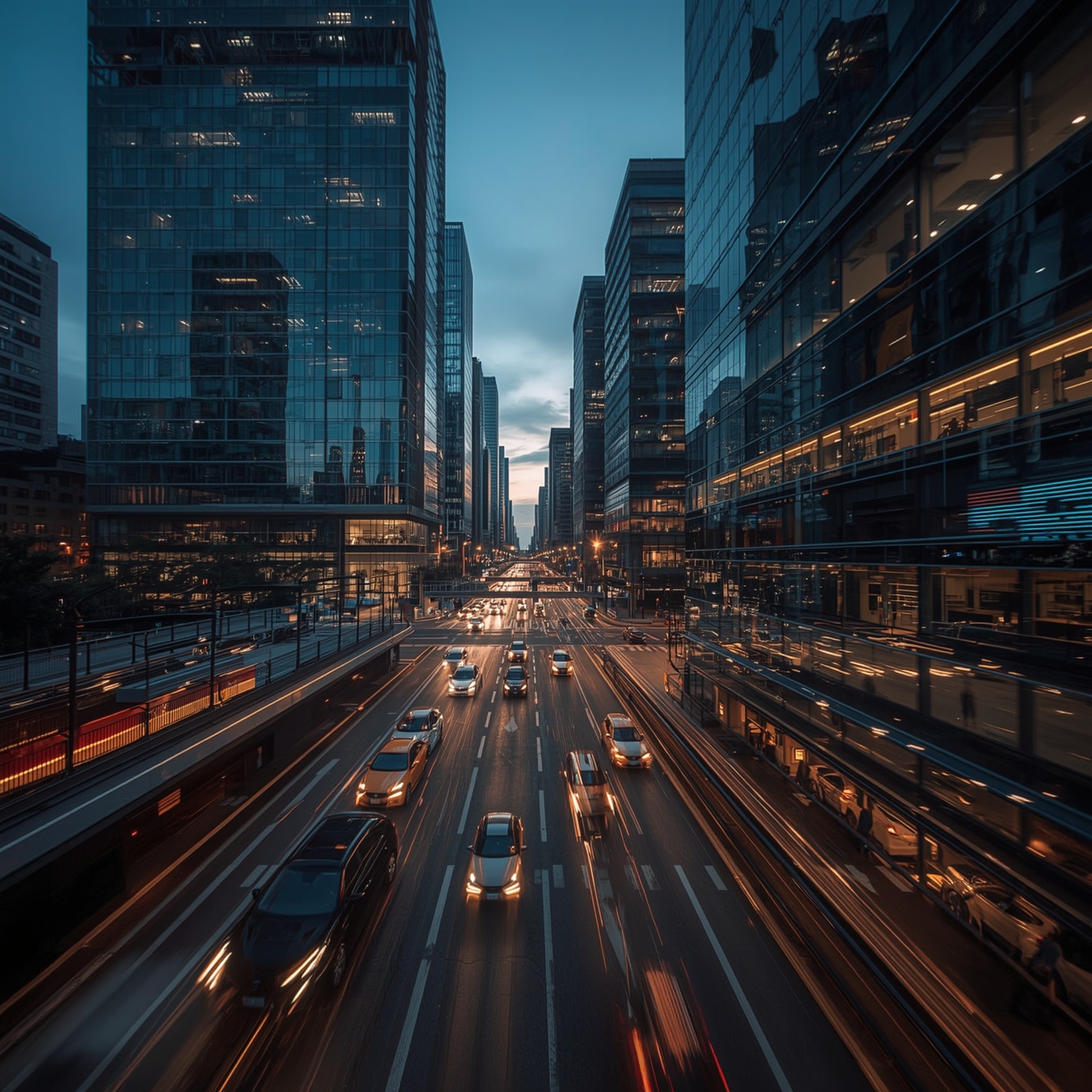

Creating a commercial used to involve months of planning, filming, and post-production. Today, AI video generators allow brands and studios to produce professional-quality commercials, TVCs, and product videos faster, more efficiently, and with cinematic polish.
Here’s a step-by-step guide to creating AI-powered commercials:
1. Define Your Goal and Script
Start with a clear message. Focus on a single benefit, story, or call-to-action. For brand videos, social media campaigns, or product videos, clarity ensures your audience remembers the key point.
2. Choose Your AI Tool
Platforms like text-to-video generators, AI avatars, and automated editors streamline production. These tools can handle motion graphics, animation, and editing, reducing production time and cost.
3. Select Visual Style
Decide on the look: 2D animation, 3D animation, realistic visuals, or stylized graphics. AI can generate assets and backgrounds based on prompts, giving your commercial video a polished, professional appearance.
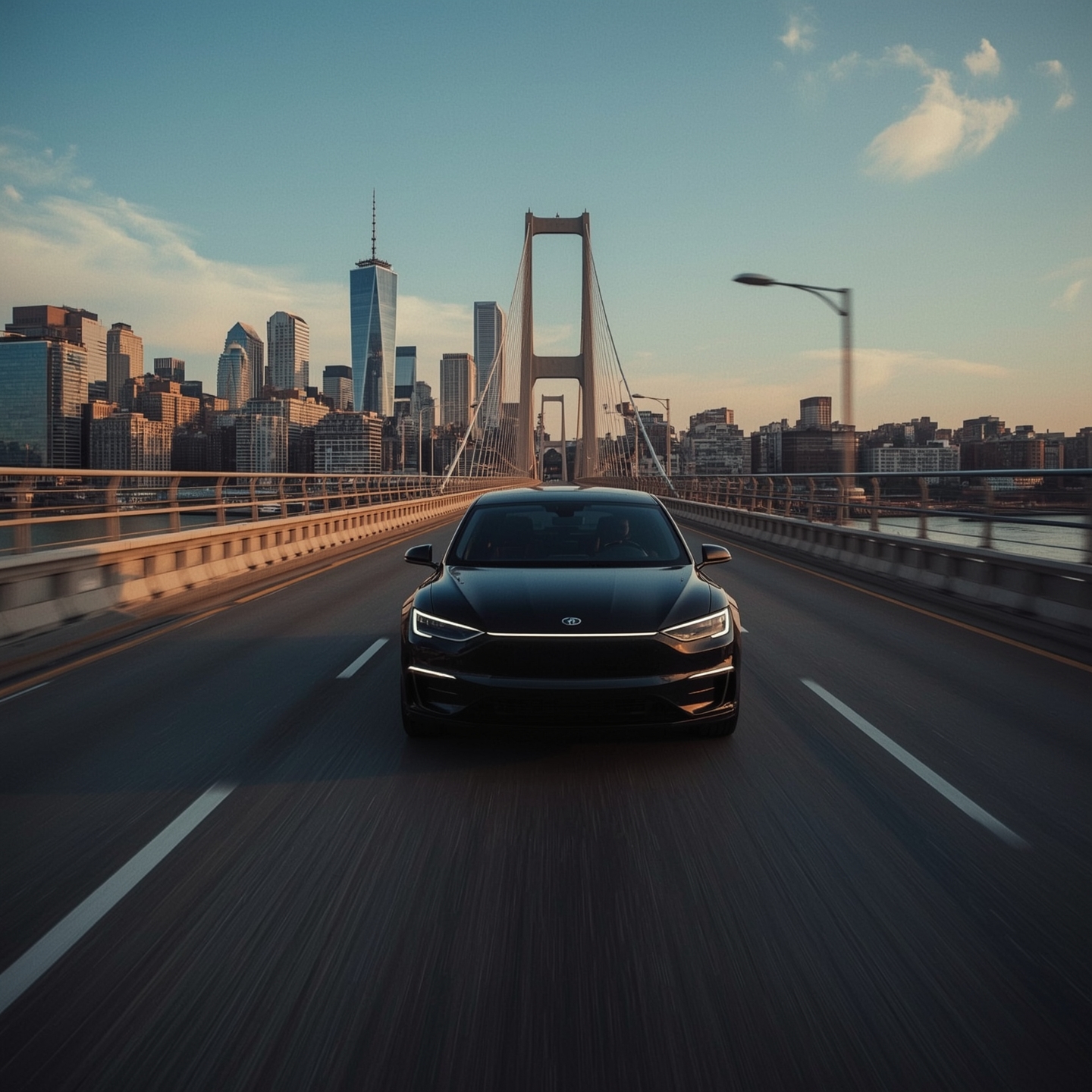
4. Generate Voiceovers
AI voices or avatars narrate scripts with customizable tone, accent, and pacing. Perfect for educational videos, brand storytelling, or product demos, this ensures consistent and engaging audio without hiring actors.
5. Automate Editing & Effects
AI can add transitions, motion graphics, color grading, and music automatically. This aligns visuals with your brand identity and accelerates post-production workflows.